Build around the live material
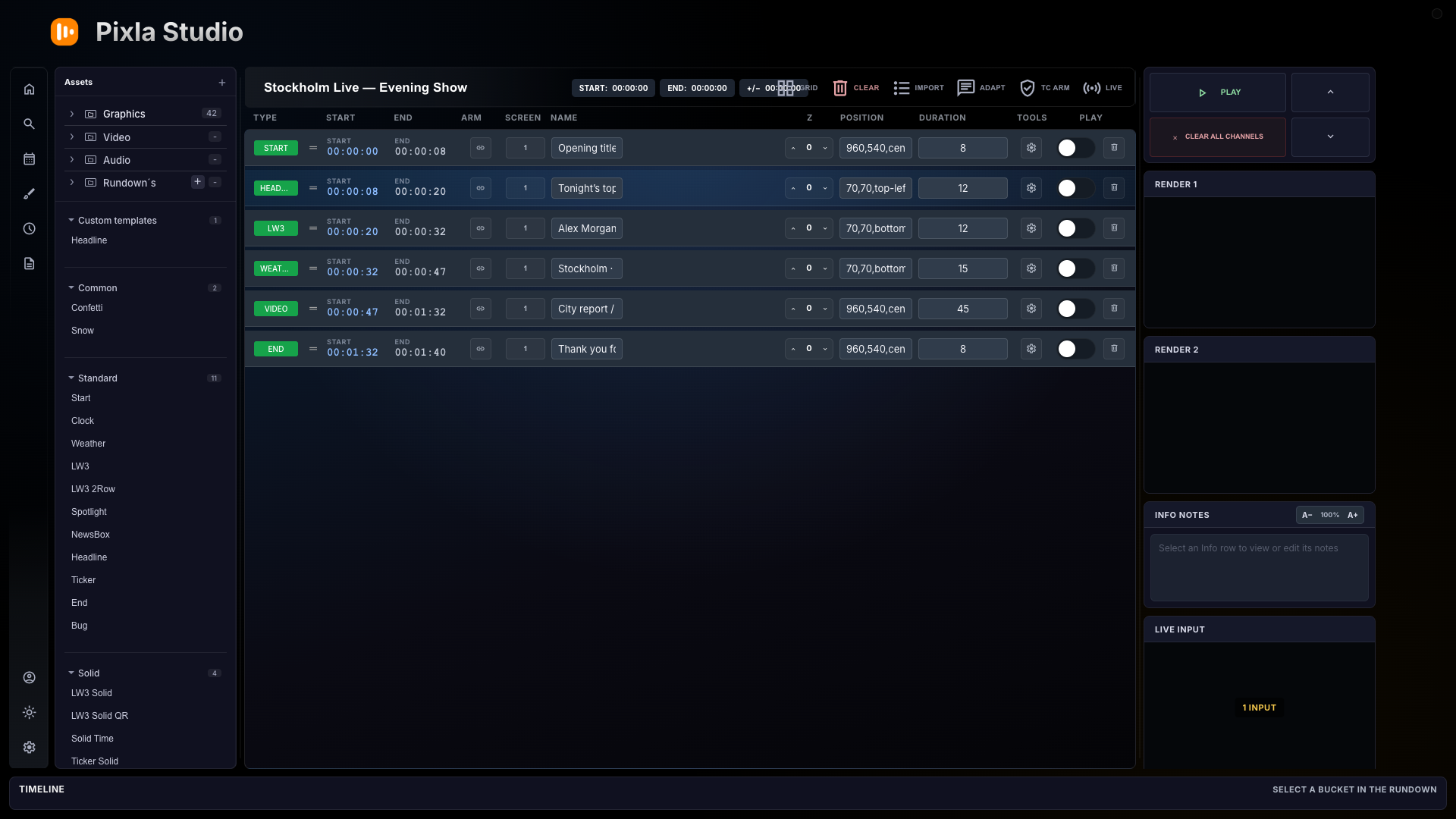
Group graphics, clips and pauses into show blocks that match the way the production is actually called.
Design, edit and play broadcast graphics directly in your browser or from the desktop app. Use Pixla as a standalone graphics engine—or connect rundown, video, timing and full control of TriCaster and Blackmagic ATEM switchers when the production needs more.
The controller
Pixla renders and plays live graphics on its own. Add the rundown and integrations when you want one operator to control more of the production.
Group graphics, clips and pauses into show blocks that match the way the production is actually called.
Run Pixla as the graphics engine, or fire cues, check render outputs and send optional TriCaster and Blackmagic ATEM commands from the same rundown.
See duration and sequence across the timeline, with stage timer timekeeping connected to the same workflow.
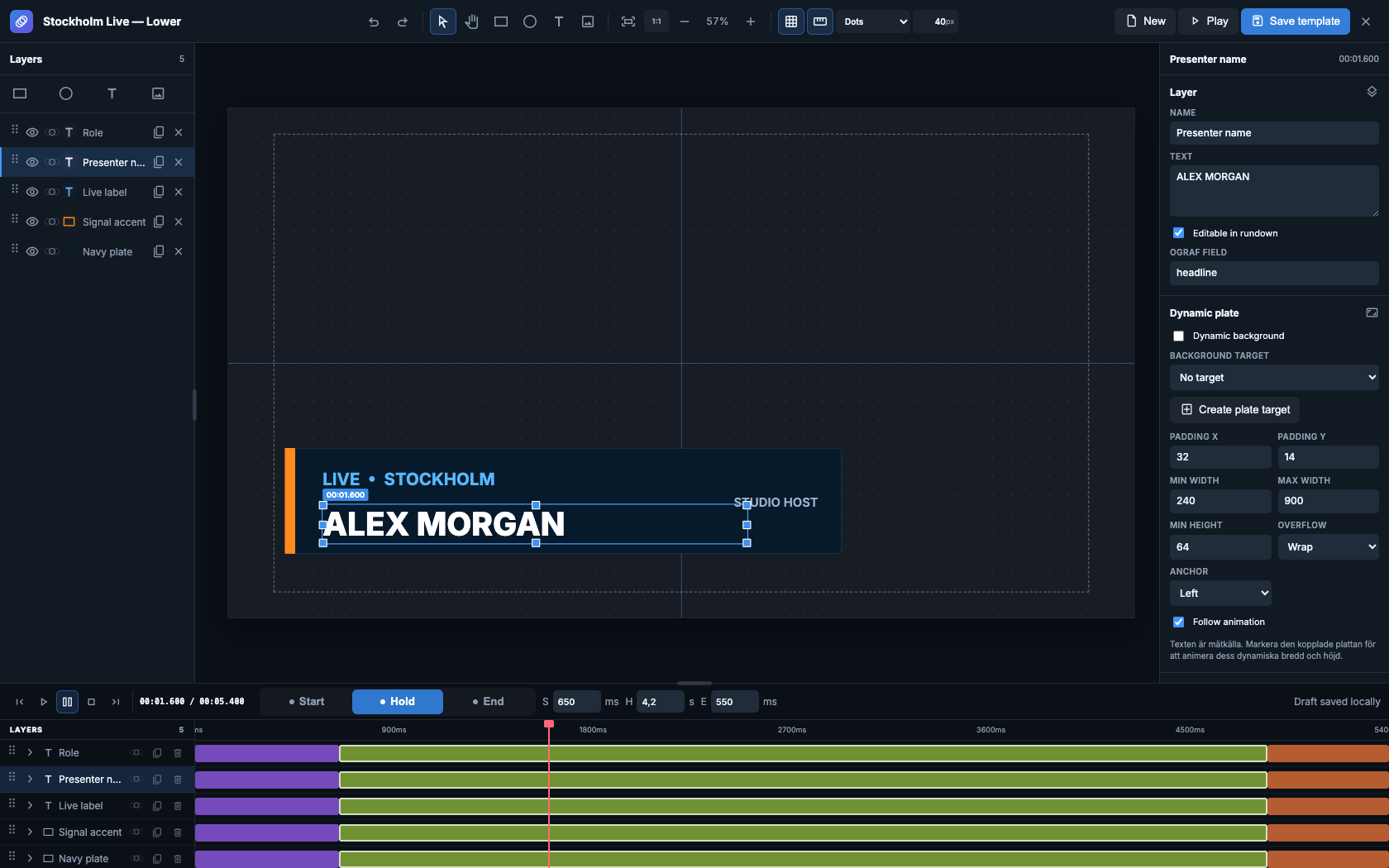
OGraf motion designer
Design on a real 16:9 canvas with layers, properties and a full animation timeline—then expose the fields your operator needs in the rundown.
Around the live production
Prompter, timing, connected media, scheduling and studio design all follow the same production workflow.
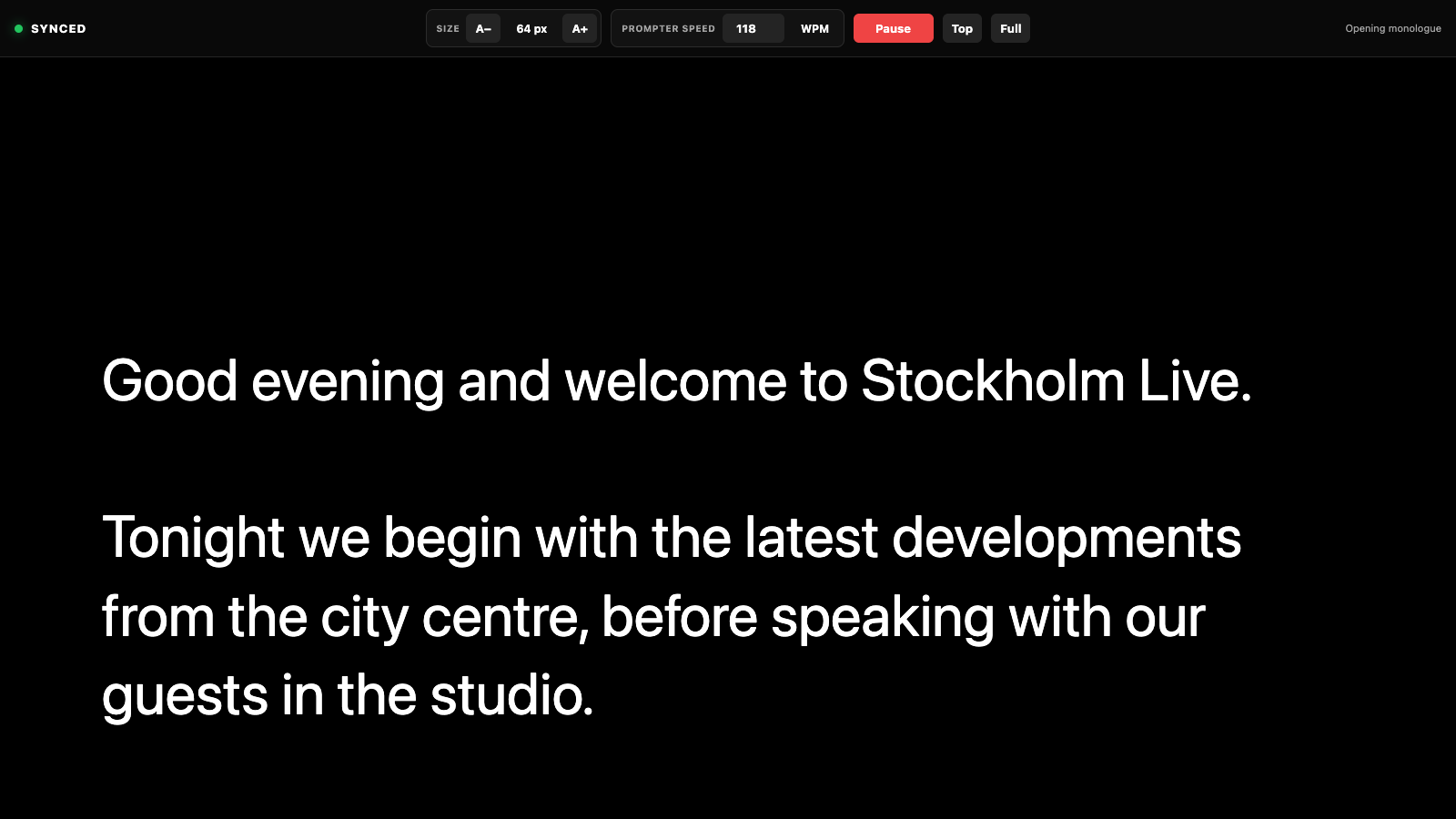
Send Info Notes to a clean reading display, control WPM and keep the script synchronized with the active rundown row.
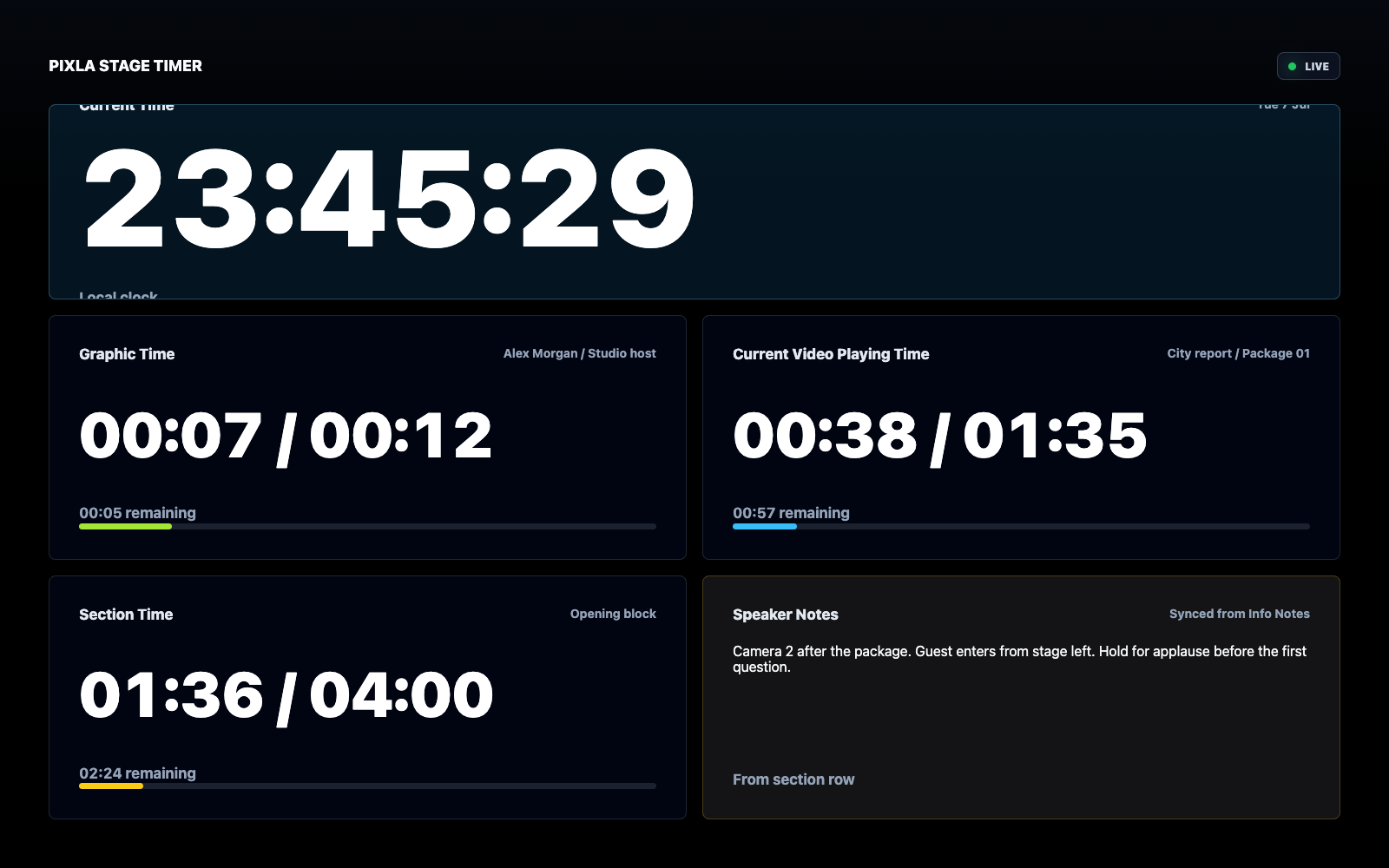
Give presenters and floor teams a dedicated view of current time, graphics, video, sections and speaker notes.
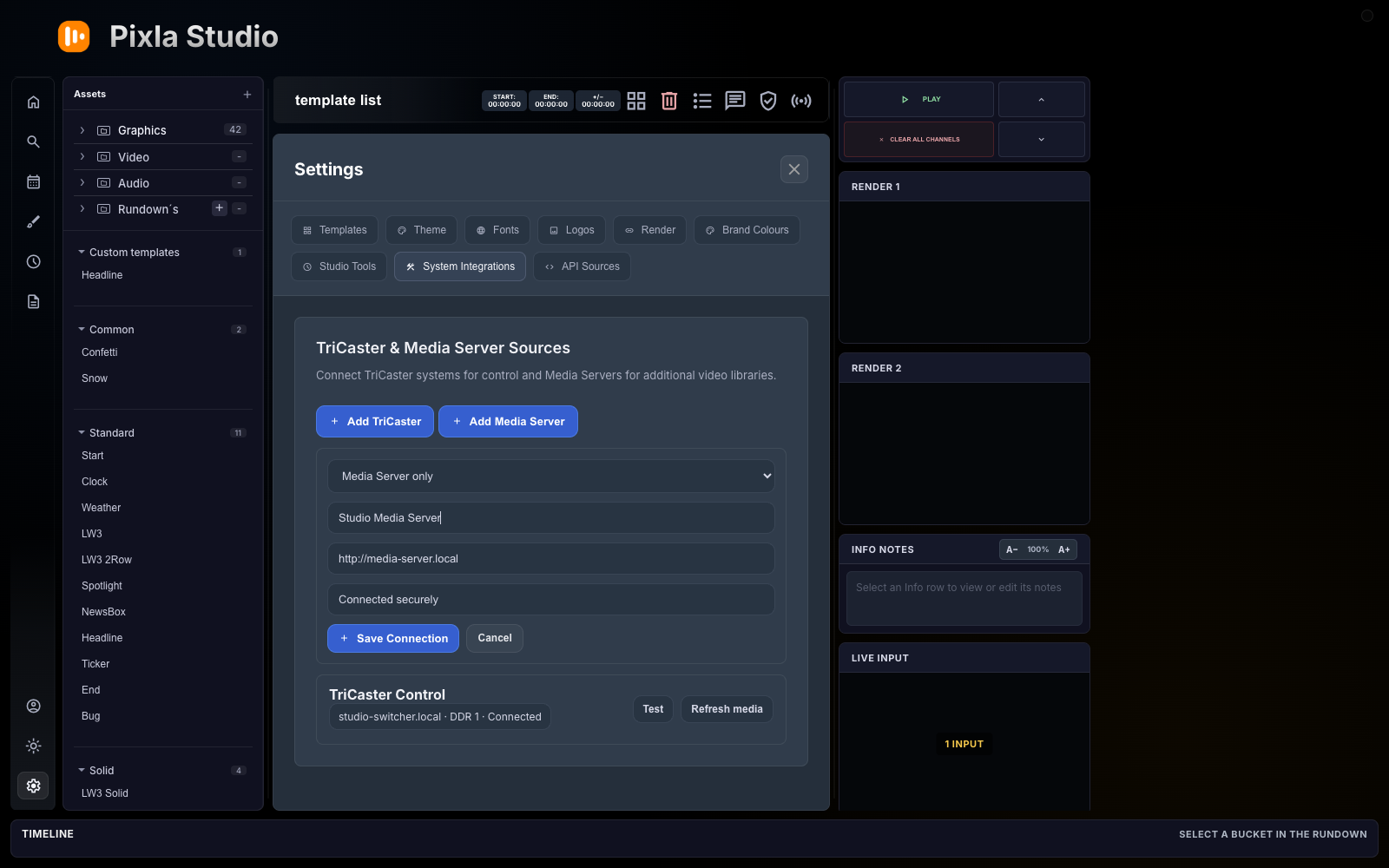
Connect TriCaster, Blackmagic ATEM or a media server, sync the library and keep production media available beside the rundown.
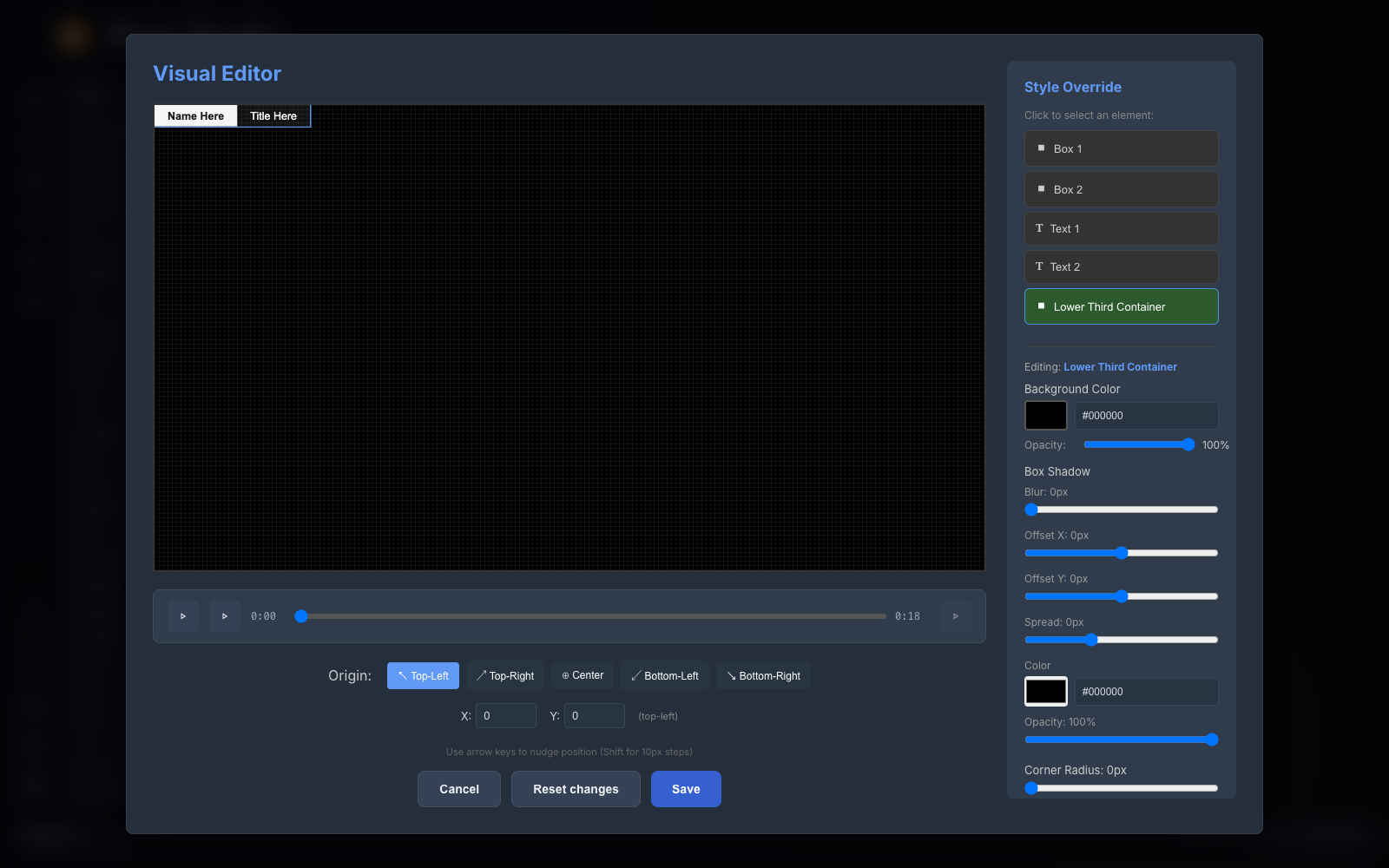
Select the live graphic container and tune colour, opacity, shadow and corner treatment for the production.
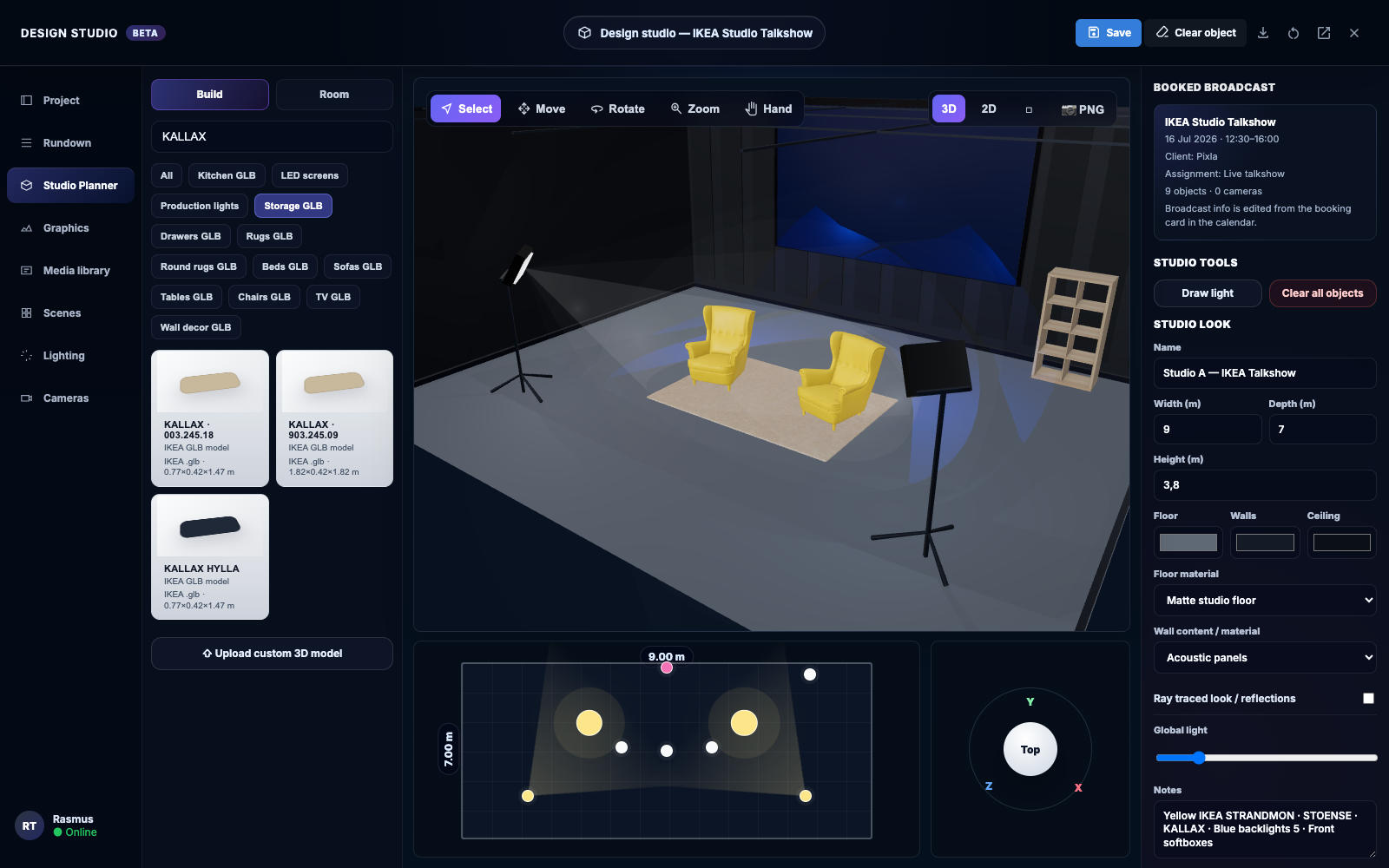
Build a visual studio plan with cameras, lights, screens and furniture, linked directly to each booked broadcast.
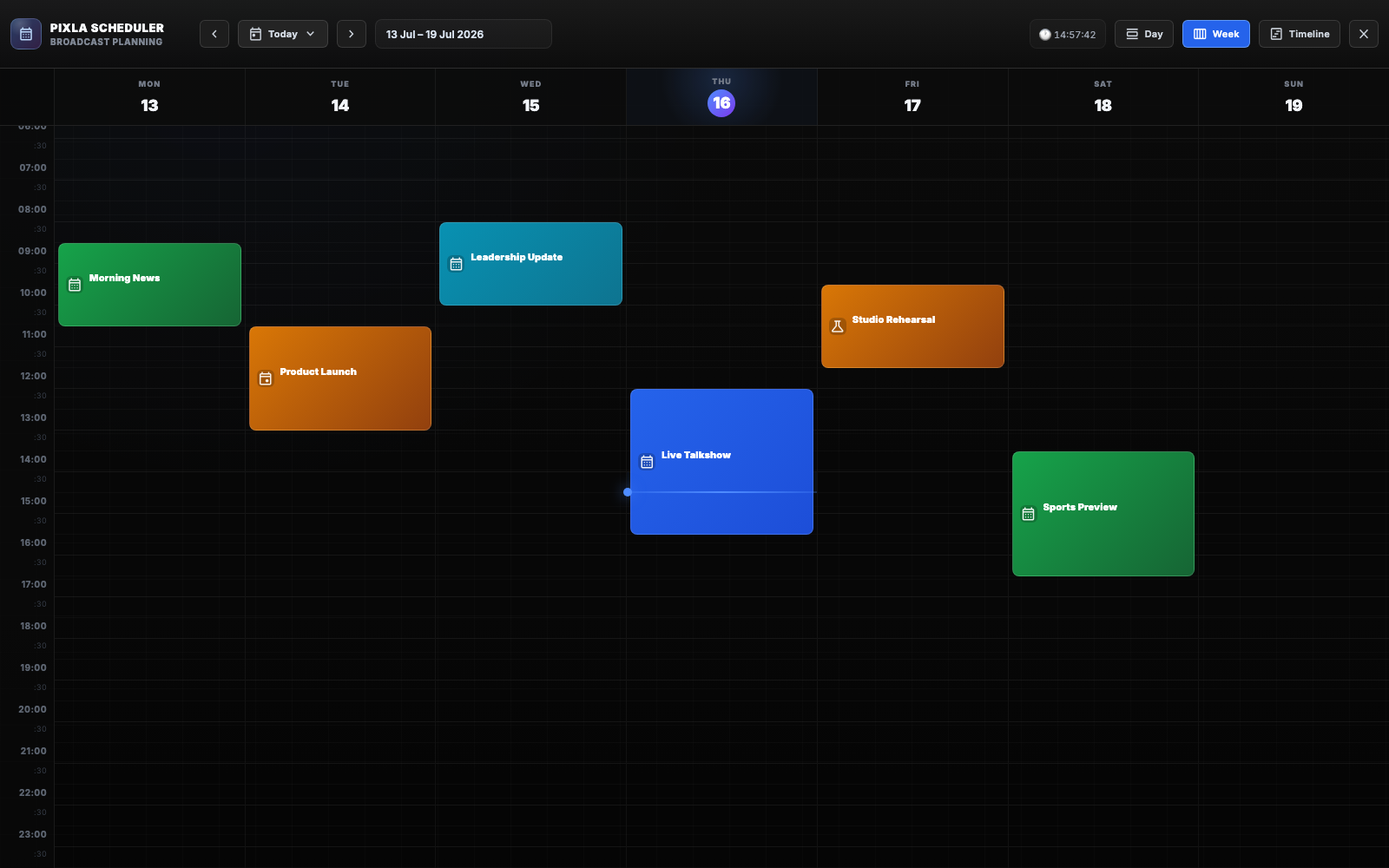
Plan broadcasts in day, week or timeline views and connect every booking to its rundown, team and studio design.
Graphics engine + optional automation
Every part of the production stays connected to the same source of truth.
Build playable show blocks around live material.
Render and play live templates directly from Pixla.
Schedule clips, timed windows and fallback playlists.
Add DSK, keyer and output automation for TriCaster and Blackmagic ATEM when you need it.
Keep presenters and operators on the same clock.
Your setup, your network
Run Pixla locally on macOS or Windows, then add the Premiere Pro extension when the live show becomes post-production.
See how Pixla works
Explore templates, rundowns and real-time preview with demo data. A subscription unlocks building and running your own show.
Create test account