TriCaster control
Send DSK, keyer, channel and playout commands directly from the show.
Inside Pixla / Features
Build, time and run the production without scattering the show across separate tools.
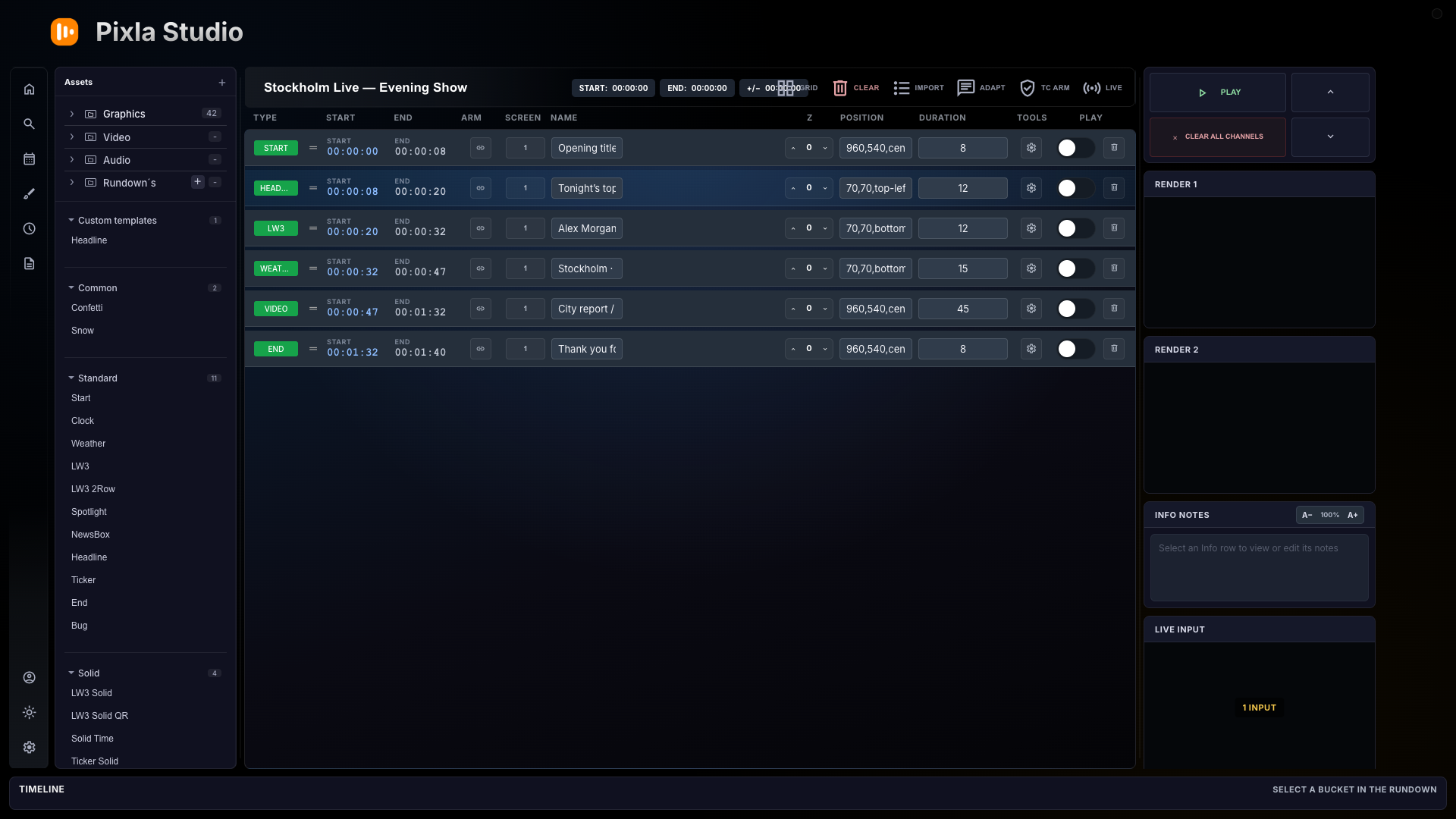
The rundown is the operational centre: assets on the left, playable show rows in the middle and live outputs where the operator can see them.
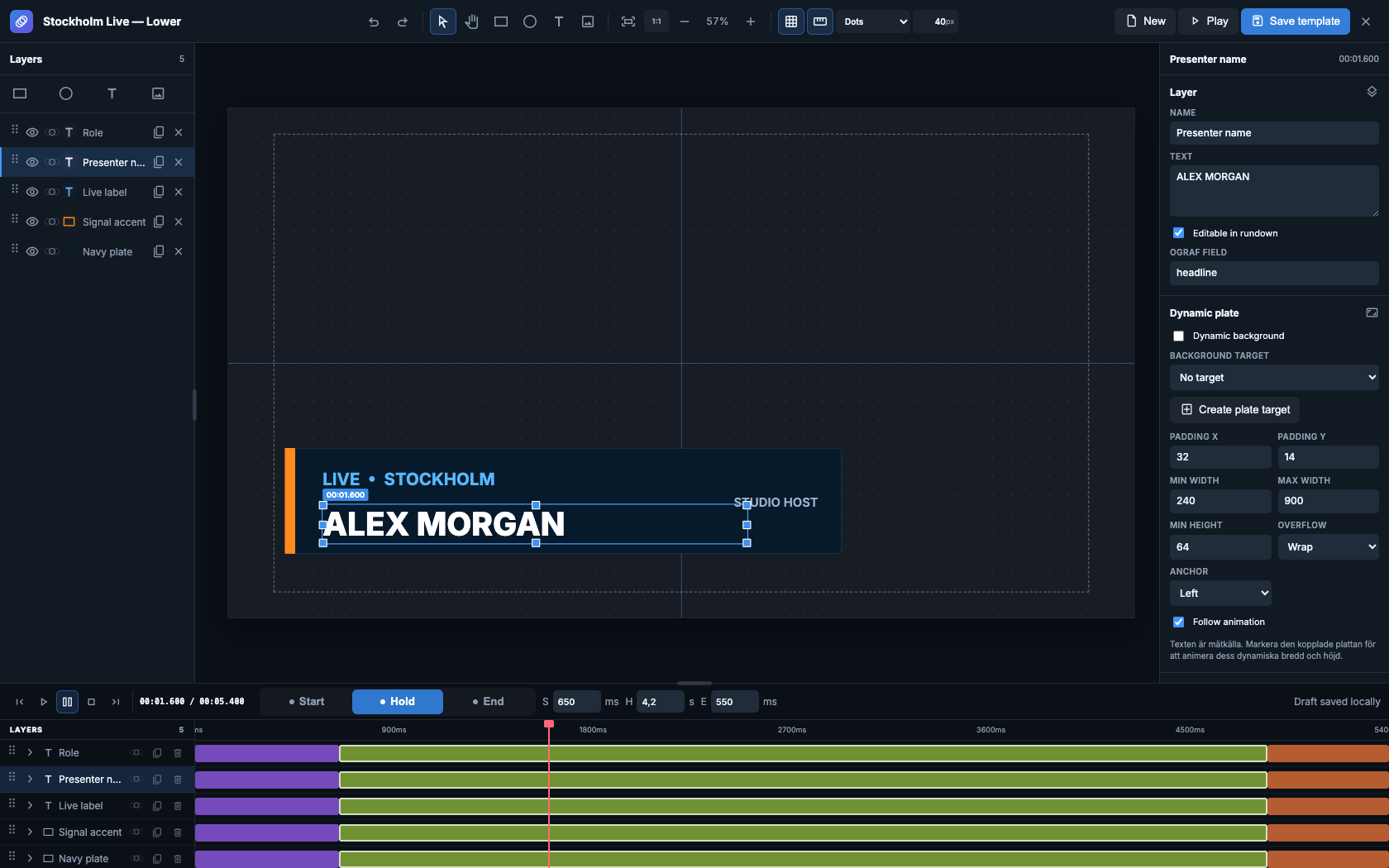
The new editor is built for layered broadcast graphics—not just position overrides. Draw directly on the 16:9 canvas, animate each layer and expose fields to the rundown.
Connected production
Send DSK, keyer, channel and playout commands directly from the show.
Schedule clips and timed content beside graphics and live cues.
Keep presenters, operators and show callers on one production clock.
Prepare timed blocks and fallback sequences before the room goes live.
Prepare and control the production from devices on the same network.
Carry live graphics into post-production through the Pixla extension.
Build the next show